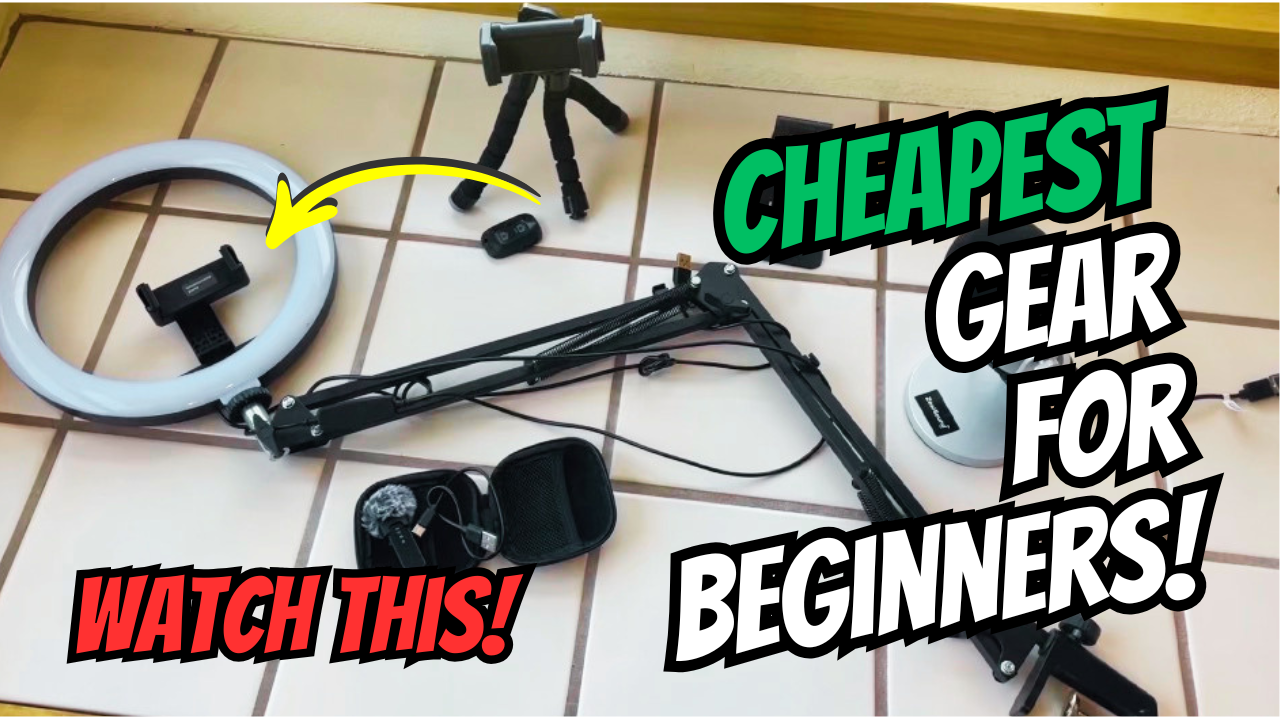
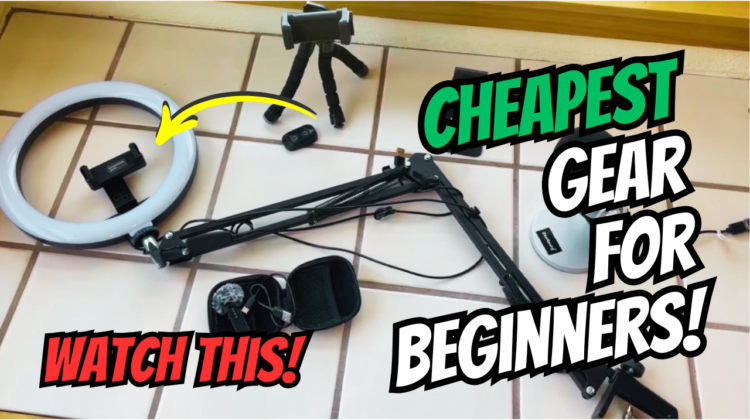
Starting the Amazon Influencer program but want to limit your startup costs? In this post I share the equipment I use to create Amazon Influencer and YouTube videos without breaking the bank. Everything I share below you can get for under $400 to create your Amazon video setup! Some items you may already own.
The Cheap Content Creator Gear I Use To Create Videos
Starting as an Amazon Influencer can feel overwhelming because so many creators make it seem like you need expensive cameras, huge studio setups, and professional lighting.
The truth is you can start making Amazon Influencer videos with simple, affordable gear and still create high-quality content.
Most of my setup is inexpensive Amazon gear that helps me film product reviews, unboxings, and YouTube videos quickly and easily from home.
If you are a beginner trying to start an Amazon Influencer setup on a budget, here is the type of gear I recommend focusing on first.
Shop my Content Creator Gear List on Amazon >
You Do NOT Need Expensive Gear to Start Amazon Influencer
One of the biggest mistakes beginners make is buying expensive equipment before they even know if they enjoy creating content.
For Amazon Influencer videos, viewers care much more about (in order of importance in my opinion):
- Good quality video
- Clear audio
- Decent lighting
- Seeing the product clearly
- Honest reviews
- Useful demonstrations
You do not need a professional studio to start earning commissions from product videos.
A simple and consistent setup is usually more important than expensive gear.
In fact, a lot of people enjoy watching videos that look homemade because it feels like the reviewer is a real person showing what they really recommend.
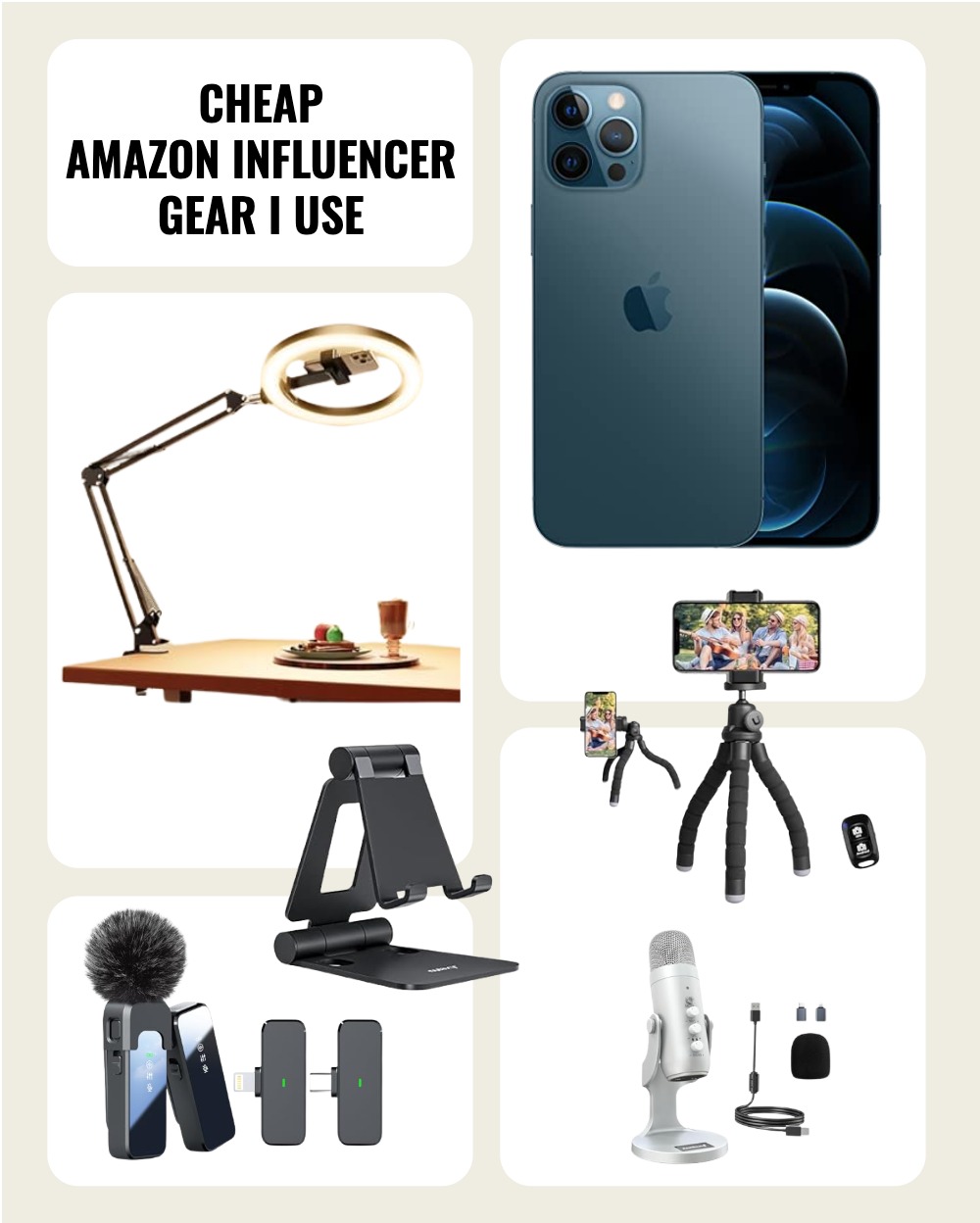
Cheap Content Creator Equipment List
Watch the long video about this cheap gear for beginners or the here’s a link to the short video:
Shop this gear list on Amazon >
Good Quality Video Makes the Biggest Difference
When I first started making videos I was using my cell phone. Eventually, I ran out of space to store videos on my cell phone.
I was also having trouble keeping my personal videos and content videos seperate.
I decided I wanted a dedicated content creation phone. But, I didn’t want to spend a fortune on this.
So, I went to Amazon to see my options. I found that I could purchase a cheap refurbished iPhone for less than $300!
Instead of buying a brand new phone, or an actual camera, I could upgrade and have a dedicated device at an affordable price.
Cheapest Phone for Filming Amazon Influencer Videos
Here’s what I purchased but there’s also other options too:

I recommend buying the Pro version though because they have better cameras. See how the iPhone 12 Pro below has 3 lenses? I didn’t know this at the time.
Here’s an example I recommend for less than $300:

Lighting Makes a Biggest Difference
Lighting is one of the easiest ways to improve your product videos instantly.
Even a simple ring light or small desk light can make products look cleaner and easier to see on camera.
Good lighting helps with:
* product closeups
* kitchen videos
* desk setup videos
* unboxings
* nighttime filming
If I had to recommend one affordable upgrade first, it would probably be lighting. Investing in cheap lighting for product videos is a good idea if you plan to continue in Amazon Influencer program long term.
I’ve purchased the item below, but to be honest, right now I’m just using overhead lights, natural lighting, and the flash on my phone set to “ON” throughout the filming.
This seems to be enough light to showcase products. It also saves me time and energy in setting up additional lighting.
Here’s a good quality light I own and use when necessary, but it does take some time to set up if you don’t plan to leave it set up that is under $30:
Cheap Ring Lighting for Product Videos

A Simple Phone Tripod Is Essential
A cheap phone tripod, phone stand or overhead mount makes filming much easier and helps your videos look more professional immediately.
Honestly, a lot of my videos are POV and I’m holding the camera. Holding the camera helps with movement and keeping the viewer engaged because changing the view often helps with engagement.
However, sometimes I need both hands to demonstrate something, or I want a different angle where I appear in the video.
For this I use two different devices (or the ring light mentioned above that also holds the phone).
A cheap tripod or phone stand is especially useful for:
- Amazon product reviews
- Hands-free filming
- Unboxings
- Cooking demonstrations
- Desk videos
You can create excellent Amazon Influencer content using just a smartphone and a stable tripod setup.
Best cheap tripod for product videos
Here’s the simple tripod I use for filming or I also use it to hold the phone at a different angle than just with my hand. This has been a very helpful addition to my Amazon Influencer filming setup that is under $20.
One great thing about this affordable phone tripod is that it comes with a remote so you can click the remote to start the video!

Phone Stand for Making Videos
Sometimes I just want to set my phone on something I so also have two of these phone stands for less than $10 each. These are also great for editing because they hold the phone for me. I would say these are a must have:

Audio Matters More Than Most Beginners Realize
Many new creators focus too much on camera quality and ignore audio. A simple budget microphone can improve your videos dramatically.
I noticed that once I added a lav microphone to my Amazon Influencer filming setup my videos improved and engagement improved. People can actually hear me.
Another thing that a lav microphone is helpful for is holding up to the sound of the product that you want to feature. You don’t have to just use it to speak into. Sometimes, the sounds the product makes is even more interesting!
Affordable beginner options include:
- Lav microphones
- Plug-in phone microphones
- USB microphones
Good audio helps viewers trust your content and makes videos easier to watch. It also can reduce backround noise so viewers aren’t distracted.
Best cheap microphones for YouTube and Amazon Influencer videos
Here’s the lav microphone that I use that is under $25 making this an affordable mic for beginners:

Best budget microphone for content creators
I purchased this microphone for when I’m creating screen recordings on my desktop computer that is under $40:

My Simple Home Filming Setup
You do not need a dedicated studio room to make Amazon Influencer videos. Many creators successfully film using:
- Kitchen counter
- Desk setup
- Natural window lighting
- Foam boards
- Simple backdrops
Keeping your setup simple makes filming faster and less stressful, especially if you plan to create content consistently.
I create usually 3-10 videos per day so being able to simply grab my phone and film whenever I have a moment is crucial to being consistent!
Honestly, I just film wherever the product would normally be used, such as in the kitchen, bathroom, living room or outdoors. I don’t have a dedicated.
Free Video Editing Apps for Beginners
You also do not need expensive editing software to start creating product videos.
Some beginner-friendly tools available include:
- CapCut
- Canva
- iMovie
- YouTube Creator App
These tools help simplify editing, uploading, thumbnails, workflow, and content organization without requiring advanced technical skills. They also allow you to add music and text overlay, transitions and other features.
The Only Editing Tool I Use
Because I post to both YouTube and Amazon Influencer program, I use YouTube Creator App to edit all of my videos.
I don’t do a lot of editing tricks, but I do use this to:
- Crop video clips or edit out video
- Add text overlay
- Adjust the audio
- Add music
What I Would Buy First If Starting Over
If I had to rebuild my Amazon Influencer setup from scratch on a tight budget, I would prioritize (in order of importance):
- Phone with good camera
- Microphone
- Phone tripod
- Lighting
That is enough to start creating product reviews, Amazon videos, UGC content, and YouTube Shorts without overspending.
Amazon Influencer Beginner Gear Mistakes to Avoid
Common beginner mistakes include:
- Buying expensive cameras too early
- Purchasing too many gadgets
- Ignoring lighting and audio
- Waiting for the perfect setup
- Upgrading before earning money
Starting simple allows you to learn faster and figure out what equipment actually improves your workflow before investing more money.
And, sometimes you might find this can overcomplicate your filming process!
I suggest to avoid wasting money on creator gear as long as you can. Wait until there is something you REALLY need to purchase it!
Final Thoughts
The best Amazon Influencer setup is the one that helps you start creating consistently without spending a fortune.
You do not need expensive cameras or a professional studio to make helpful product videos. Affordable gear, simple lighting, and a consistent workflow are more than enough to get started.
If you are new to Amazon Influencer content, focus on creating useful reviews first and upgrade your setup later as you grow.
Further reading:
- Shop my Content Creator Gear List on Amazon >
- How to Find Products for Amazon Influencer Videos
- Viral Vue Review, PROMO CODE & Top 8 Questions About Viral Vue – answered!
Pin this post on Pinterest: